How to Turn Off Autocorrect on iPhone
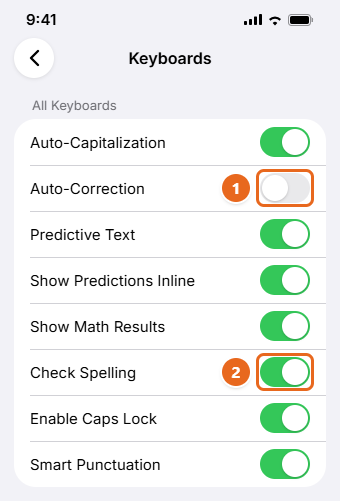
Turn off autocorrect on iPhone in Settings > General > Keyboard, or keep it on and fix bad corrections with Text Replacement or a dictionary reset.
SupportYourTech help center
Step-by-step fixes and how-tos for Windows, Office, iPhone, Google apps and more.
Popular: Windows 11 Excel iPhone Word Google Docs Android Streaming
Turn off autocorrect on iPhone in Settings > General > Keyboard, or keep it on and fix bad corrections with Text Replacement or a dictionary reset.
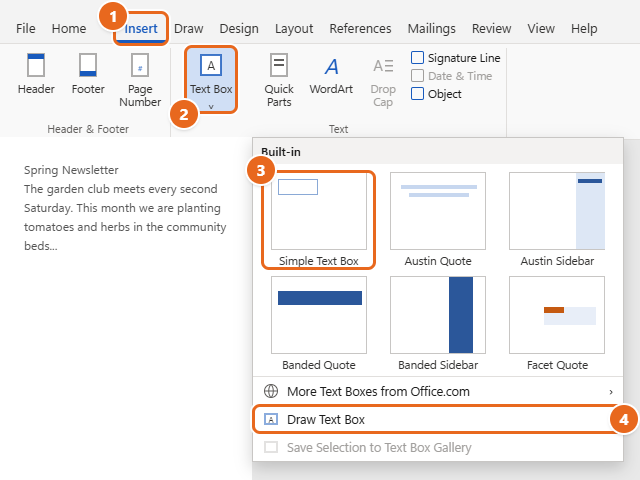
Insert a text box in Word with Insert > Text Box or Draw Text Box, then wrap text around it, change the border, link boxes, and...
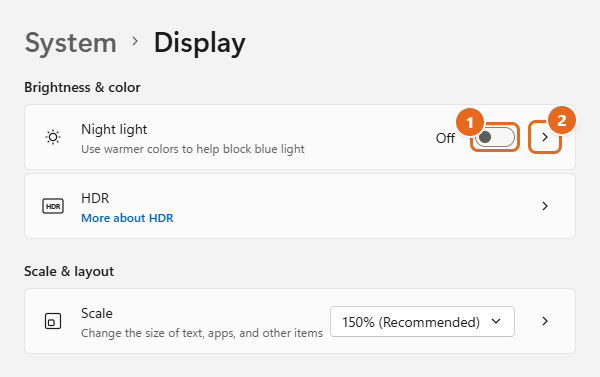
Turn on Night light in Windows 11 from Settings or Quick Settings, adjust its strength, set a sunset-to-sunrise schedule, and fix a grayed-out toggle.
Block a sender in Outlook with steps for new Outlook, classic Outlook, Outlook.com and the phone app, plus how to block a domain and unblock someone.
Learn how to use conditional formatting in Excel with built-in rules, data bars, color scales, formula rules you can copy, and fixes for common problems.
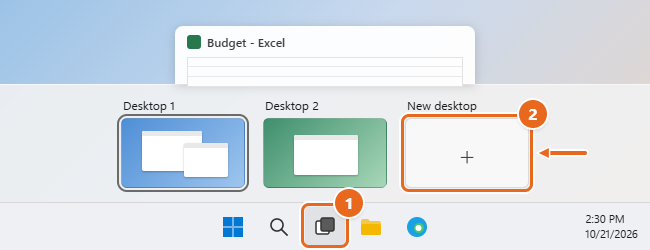
Learn how to use virtual desktops in Windows 11: create, switch, rename and close desktops, move apps between them, and fix shortcuts that don't work.
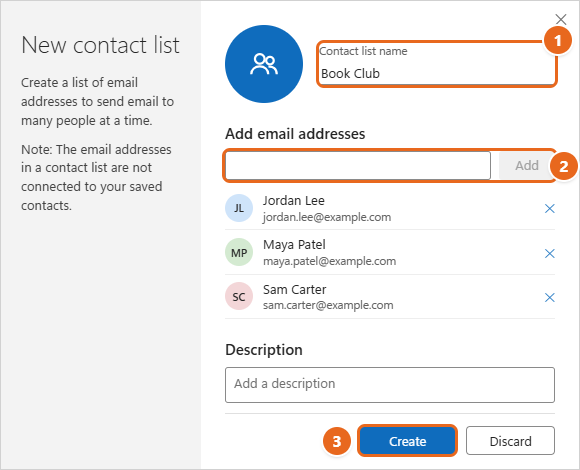
Create a contact group in new Outlook, classic Outlook or Outlook on the web, email it, edit or delete it, and see when a Microsoft 365 group fits better.
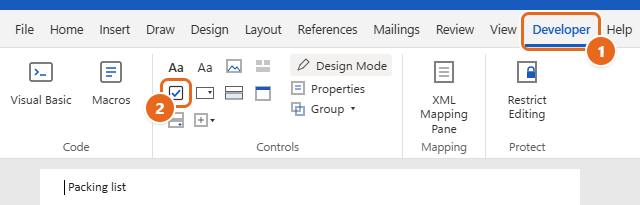
Insert a checkbox in Word: clickable boxes from the Developer tab, printable box bullets, checkbox symbols and web checklists on Windows and Mac.
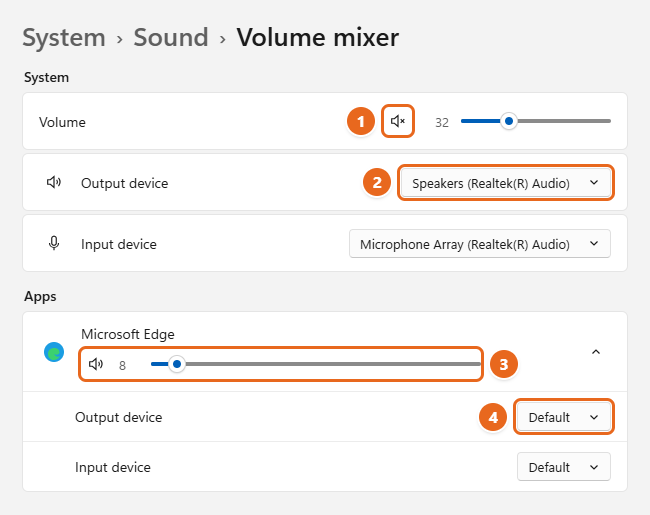
Fix no sound in Windows 11: pick the right output device, check the Volume mixer, run the audio troubleshooter, and update or roll back the audio driver.
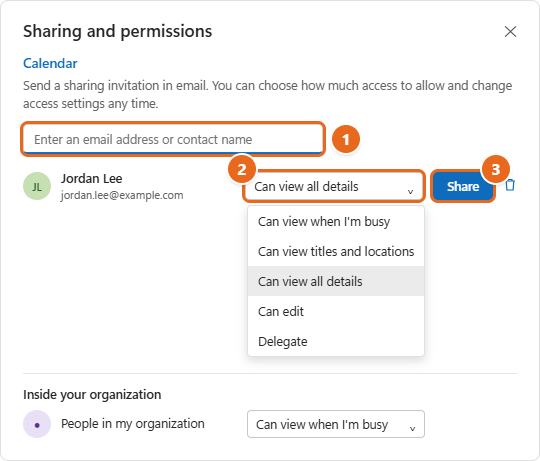
Share your calendar in new Outlook, classic Outlook, Outlook on the web or Outlook.com, publish an ICS link, and pick the right permission level.
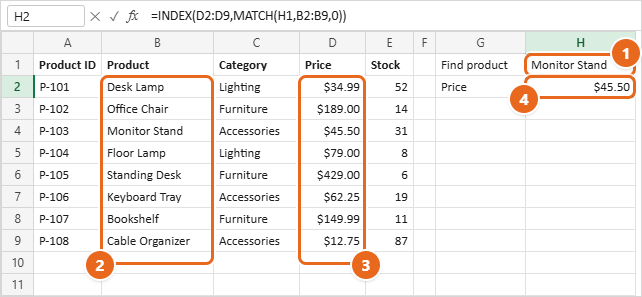
Learn how to use INDEX and MATCH in Excel with step-by-step examples, two-way and multiple-criteria lookups, and fixes for #N/A and wrong results.
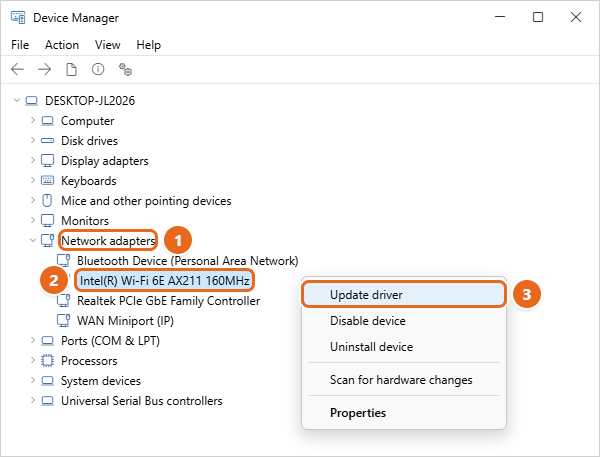
Fix Wi-Fi not working in Windows 11 with quick checks, the network troubleshooter, driver and power fixes, network commands, and network reset.
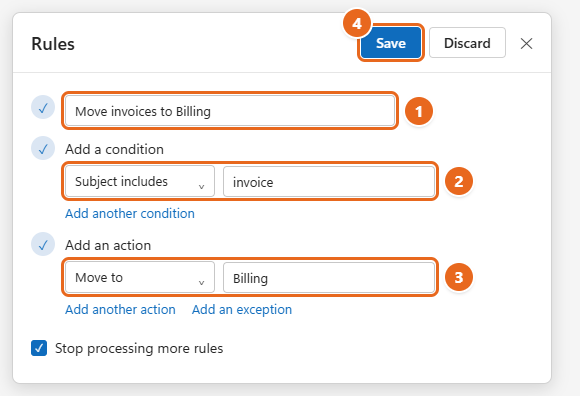
Create rules in Outlook to sort email automatically, with steps for new Outlook, classic Outlook and the web, plus server vs. client-only rules.
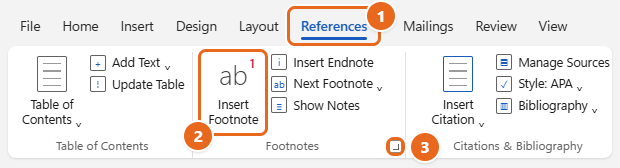
Learn how to insert footnotes in Word on Windows, Mac, the web and mobile, plus how to change numbering, convert to endnotes and delete footnotes.
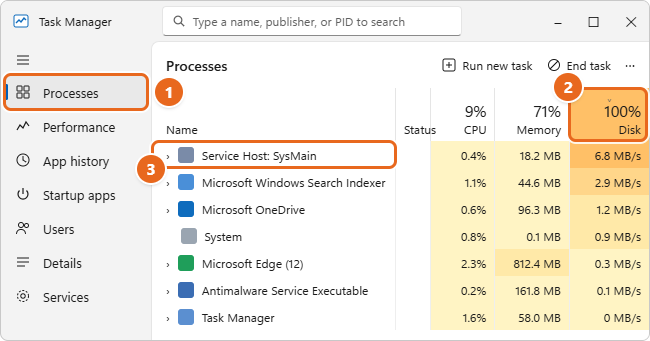
Fix 100% disk usage in Windows 11: find the cause in Task Manager, then use safe Microsoft-documented fixes for Search, SysMain, updates and drive errors.
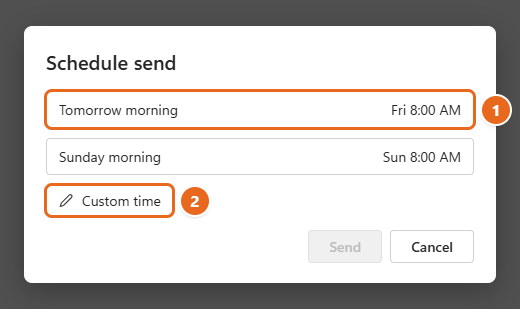
Schedule an email in Outlook with Schedule send in new Outlook, the web or mobile, or Delay Delivery in classic Outlook, plus how to edit or cancel it.
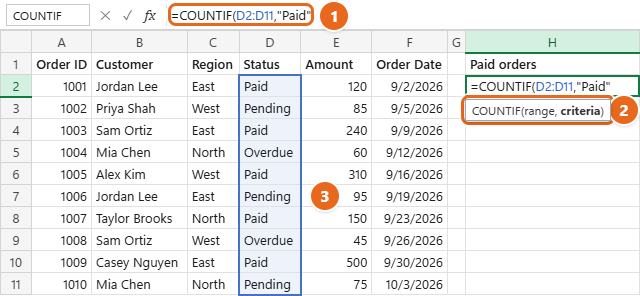
Learn how to use COUNTIF in Excel with examples for text, numbers, dates and wildcards, plus COUNTIFS, OR logic and fixes when COUNTIF returns 0.
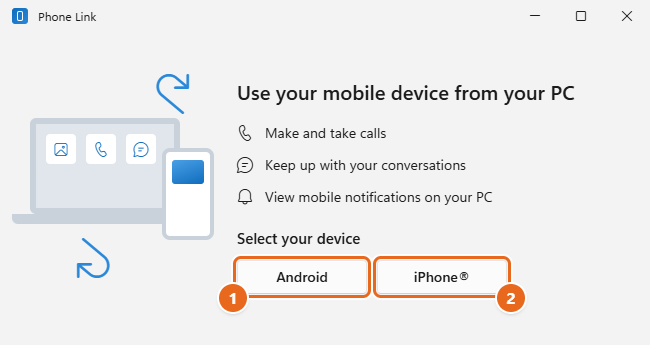
Set up Phone Link in Windows 11 with an Android phone or iPhone, then text, call and see notifications on your PC. Includes what works on each phone.
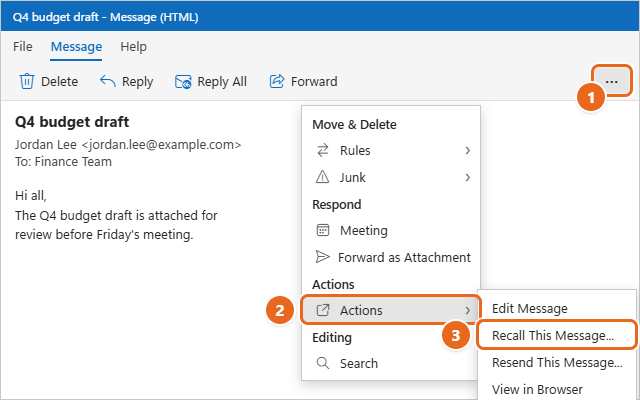
Recall an email in new or classic Outlook, on the web, Mac or phone. See which accounts support recall, how cloud recall works, and how to read the report.
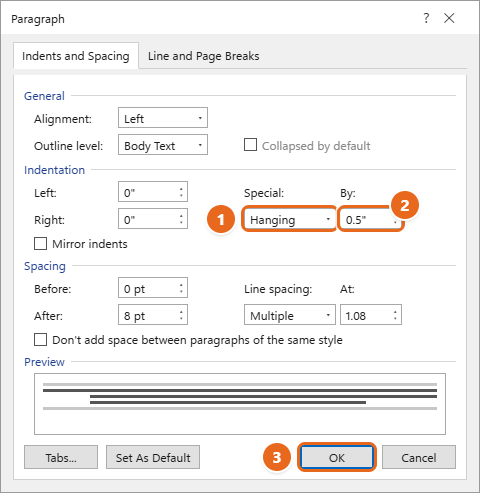
Learn how to do a hanging indent in Word with Ctrl+T, the Paragraph dialog or the ruler on Windows, Mac and the web, plus fixes for indents that break.
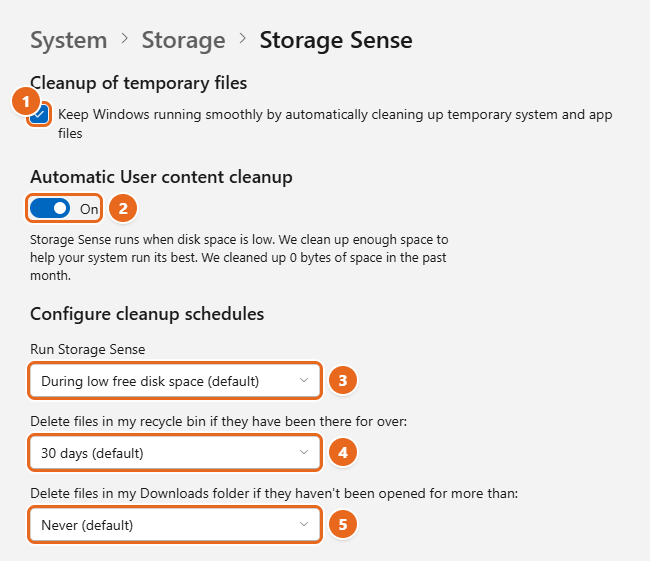
Learn how to turn on Storage Sense in Windows 11, choose what it deletes and when, free up OneDrive space, run it now, and fix common problems.
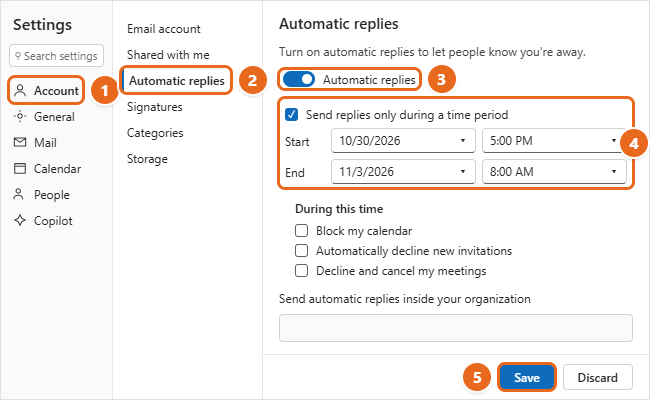
Set up automatic replies (out of office) in new Outlook, classic Outlook and Outlook on the web, plus a rule for Gmail or IMAP accounts and fixes.
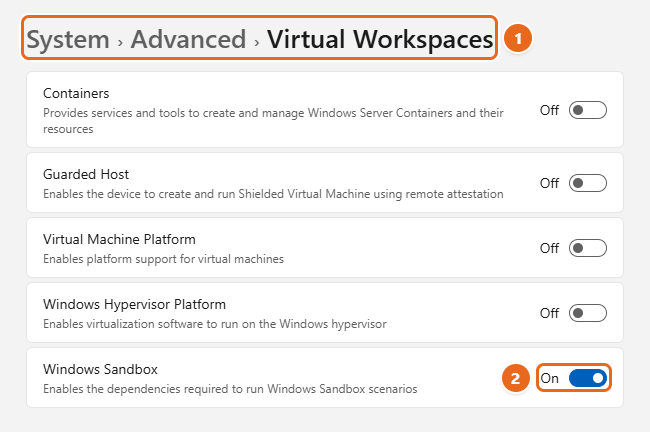
Turn on Windows Sandbox in Windows 11 from Settings, Windows Features or PowerShell, test apps safely, lock it down with a .wsb file, and fix errors.
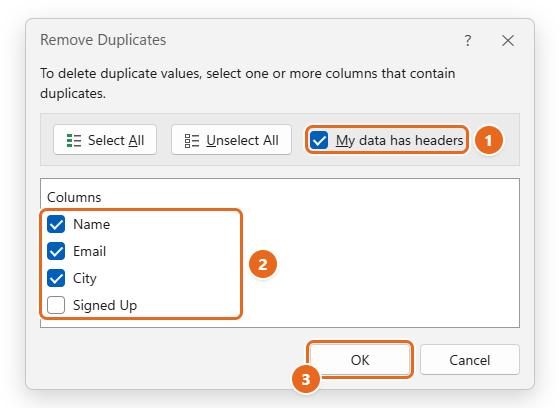
Remove duplicates in Excel with the Remove Duplicates button, Advanced Filter, UNIQUE, COUNTIF or Power Query, plus fixes when Excel misses them.
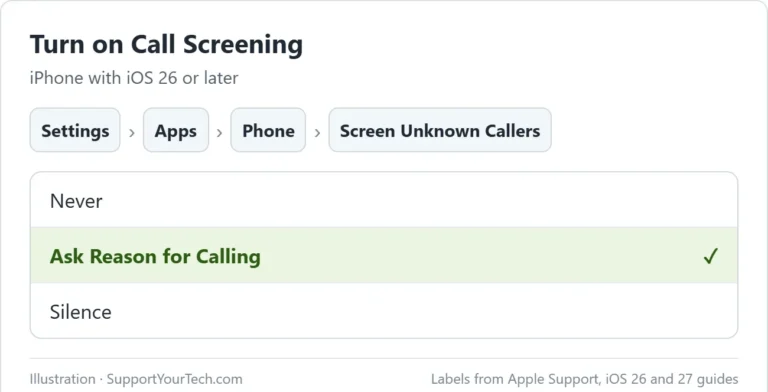
Make unknown callers say who they are before your iPhone rings. Turn on Call Screening in iOS 26 or later, and filter unknown and spam calls.
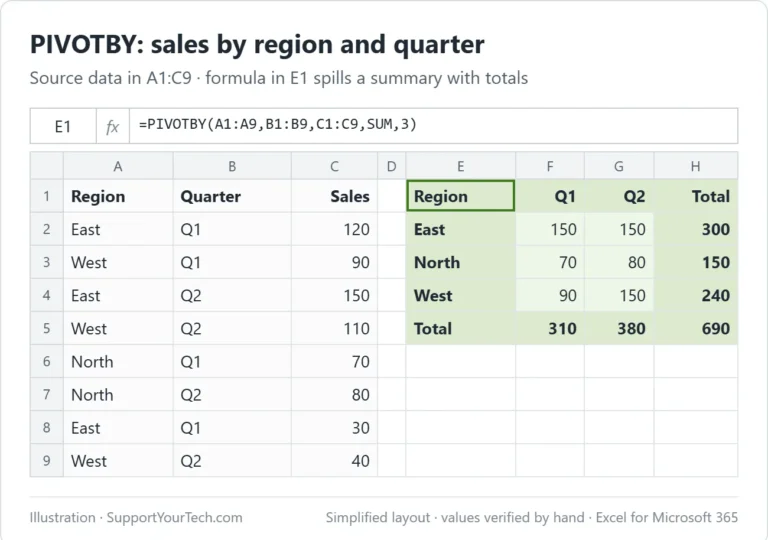
Build a PivotTable-style summary with one Excel formula. Use PIVOTBY with a worked example, then add totals, sorting, filters, and percentages.
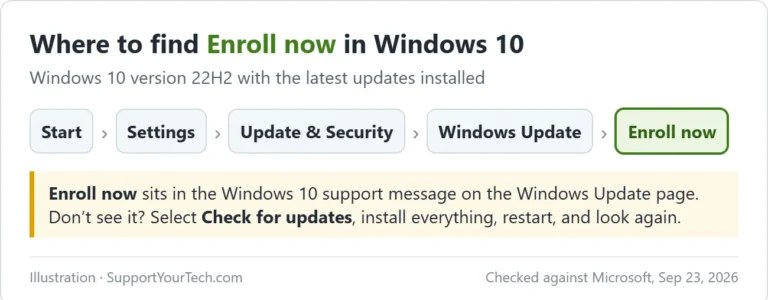
Keep getting Windows 10 security updates through October 12, 2027. Check eligibility, pick the free or $30 ESU option, and enroll from Windows Update.
Use Excel TRIMRANGE to trim empty edges and build dynamic ranges. See examples, named ranges, blank-row limits, and common error fixes.
Extract codes and patterned text with Excel REGEXEXTRACT. Learn match modes, capture groups, case options, and fixes with tested examples.
Summarize Excel data with GROUPBY. Follow a tested example, control headers and totals, filter source rows, and fix common formula errors.
When your car won’t start, the problem isn’t always a major mechanical failure. Modern vehicles rely on key fobs, electronic steering locks, push-button start systems, computers, sensors, and other electronics...
Create passkeys from supporting services, verify with Windows Hello, choose storage carefully, and manage local passkeys in Windows 11.
To turn off Windows Studio Effects in Windows 11, open Windows Settings, find the camera section under Bluetooth & devices, select your webcam, and toggle off the specific effects you...
To turn off Dynamic Lighting in Windows 11, open your PC's Settings, go to Personalization, and find the Dynamic Lighting section. From there, it's a quick flip of a switch,...
Do you want your PC's RGB lights to do more than just sit there looking pretty? Windows 11 now offers Dynamic Lighting, a super cool feature that lets you take...
Using sudo in Windows 11 is a total game-changer for anyone who regularly uses the command line. To get started, open your Settings, head to the "System" section, and click...
Ever wanted to capture what's happening on your computer screen? Maybe you need to show someone how to do something, or perhaps you want to save a quick clip of...
To open a winmail.dat file on Windows 10, you need a special tool, often a free program or an online converter, to decode what's inside. The tool shows the actual...
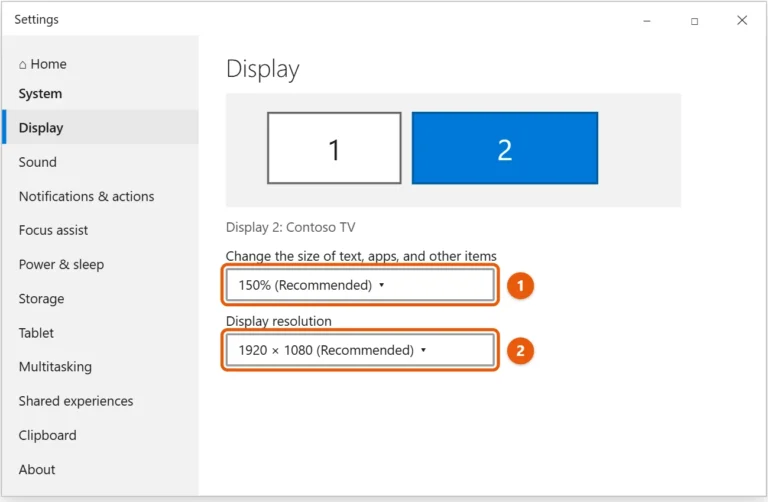
To fit your PC screen to a TV or monitor in Windows 10, right-click the desktop, select Display settings, select the TV or monitor, and set Display resolution to the...
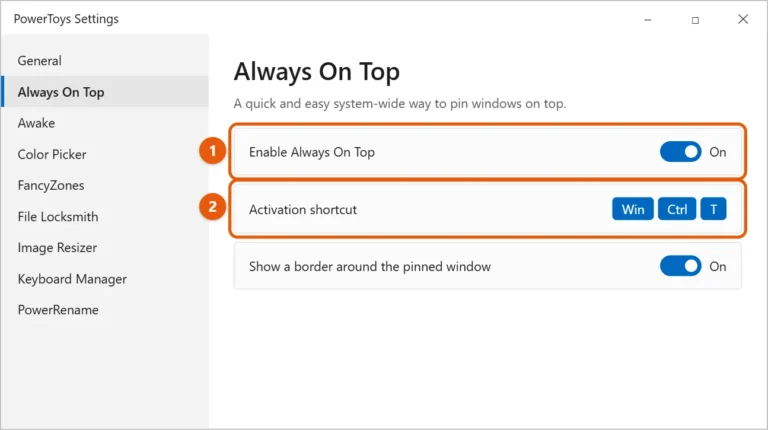
Use Microsoft PowerToys Always On Top to pin a window, manage exclusions, and understand elevation and topmost-window limits.
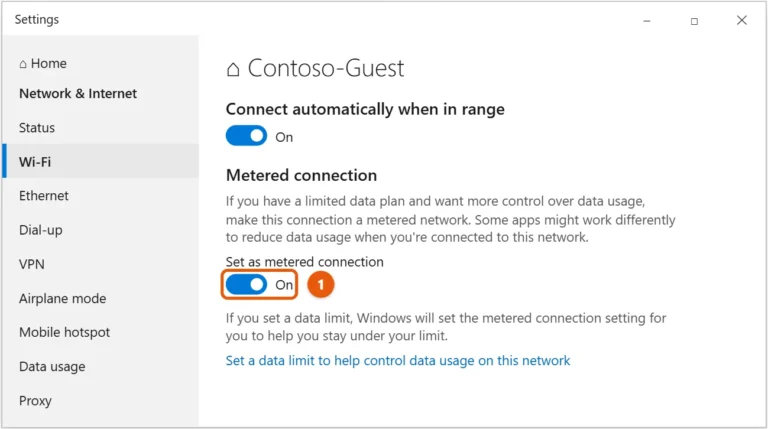
To set a metered connection in Windows 10, go to Start > Settings > Network & Internet > Wi-Fi, select the network you're connected to, and turn on Set as...
Playing MP4 files on your Windows 10 computer is usually a breeze, as the operating system often handles them automatically with its built-in media players. If you ever encounter an...
To fix ping spikes on Windows 10, check your network connection, update outdated drivers, and tweak some system settings so background downloads don't compete with your game or video call....
A CRDOWNLOAD file is a temporary file created by your web browser, typically Google Chrome or Microsoft Edge, when it's in the middle of downloading something. Think of it like...